Production Freeze: How DevOps/SRE, Product, and Business Ensure Stability During Critical Periods
Understand how production freeze is an essential strategic practice to ensure stability, reliability, and business continuity during critical periods, requiring alignment between DevOps/SRE, Product, and Business.
Sapiens IT Team
Written by engineers who build before they write.
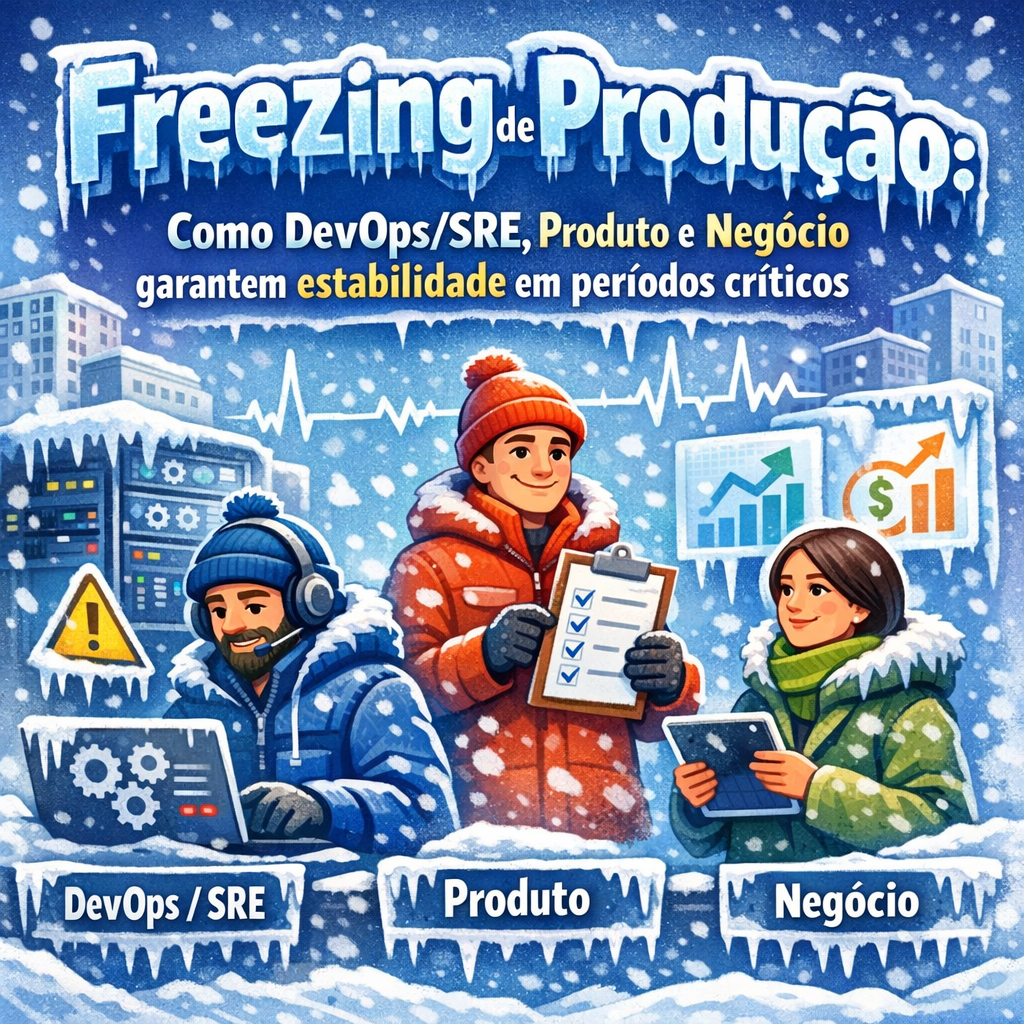
Production freeze is a strategic change management practice used by mature organizations to ensure stability, reliability, and business continuity during critical periods. These periods are not limited to year-end or holidays, but also include regulatory events, fiscal closings, major launches, seasonal usage peaks, and windows of high operational sensitivity.
In modern cloud and high-availability environments, where changes are frequent and automated, the absence of a clear freeze process can significantly increase the risk of incidents at times when the impact on customers and business is maximum.
Production freeze is not just a technical decision. It requires alignment between DevOps/SRE, Product (PD), and Business, ensuring that everyone understands when stopping changes is the best choice to protect customers, revenue, and reputation.
This document explains what production freeze is, when and why to apply it, and how collaboration between technical and business teams is essential to maintain stable production environments during critical periods.
What is a production environment freeze?
A production environment freeze is a defined period during which changes to Production and UAT environments are restricted or completely prohibited. The goal is to minimize the risk of introducing instabilities, failures, or unavailability precisely when systems are most critical to customers and business.
Freeze scope
The freeze applies to environments where there is direct customer access and where reliability is essential:
| Environment | Status during freeze | Justification |
|---|---|---|
| Production (PRD) | Frozen | Critical environment, customer-facing, requires high availability |
| UAT | Frozen | Environment used by customers for validation before go-live |
| QA | Open | Internal testing, no direct customer impact |
| Development | Open | Internal development, no customer impact |
What is restricted during the freeze?
During the freeze, the following activities are restricted in frozen environments:
- Code deploys: new releases, features, or hotfixes (except critical P1 incidents)
- Infrastructure changes: changes via IaC, scaling adjustments, or network configurations
- Database changes: schema migrations, index alterations, or data transformations
- Configuration changes: environment variables, feature flags, or application parameters
- Maintenance activities: planned maintenance windows, patches, or upgrades
What remains allowed?
Some activities remain permitted to ensure operational continuity:
- Monitoring and observability: metrics, alerts, and log analysis
- Incident response: handling critical incidents with appropriate approval flow
- Read-only operations: reports, analytics, and data extraction
- Work in lower environments: development and QA continue normally
Why freeze is important: business perspective
Impact during closing period and high demand
In many industries, year-end represents the most critical period of operations. Regulatory deadlines, fiscal closing, and financial consolidation occur simultaneously.
- Regulatory deadlines: unavailability can result in fines, penalties, and legal risks
- Fiscal closing: data inconsistencies or unavailability delay reports and audits
- Customer trust: failures during critical periods can compromise years of relationship
Challenges during holiday period
The period between Christmas and New Year brings additional challenges:
- Reduced teams
- Slower responses from suppliers and partners
- Higher accumulated risk if problems go unnoticed
Freezing environments before this period ensures that any problems are identified and resolved while full teams are still available.
Cost of downtime
Unavailability during critical periods generates high costs:
- Direct revenue loss
- Contractual or regulatory penalties
- Increased ticket volume and escalations
- Negative impact on reputation
Freeze is a preventive measure to reduce these risks.
Team responsibilities during freeze
Product / Development
Before freeze:
- Complete planned releases
- Ensure complete testing in QA and UAT
- Document known risks
- Coordinate schedules with TechOps
During freeze:
- Continue development in lower environments
- Prepare releases for post-freeze
- Support critical incidents when necessary
After freeze:
- Resume normal deploy cadence
- Prioritize accumulated backlog
- Conduct retrospectives
Business
Before freeze:
- Communicate dates and expectations to customers
- Ensure critical demands are met
- Identify highest-risk customers
During freeze:
- Monitor customer feedback
- Adjust support expectations
- Record demands for post-freeze
After freeze:
- Collect feedback
- Prioritize improvements
- Communicate resumption of operations
TechOps (DevOps / SRE)
Before freeze:
- Complete planned changes
- Validate monitoring and alerts
- Review runbooks and incident response plans
- Validate backups and DR
During freeze:
- Enhanced monitoring
- Rapid incident response
- Strict enforcement of freeze policy
After freeze:
- Resume changes
- Apply pending maintenance
- Conduct post-event analysis
Exception process
Exceptions should be rare and well-justified.
When to request an exception
- Critical incidents (P1)
- Active security vulnerabilities
- Unavoidable regulatory requirements
Approval flow
- Formal submission of request
- Technical assessment
- Business impact assessment
- Leadership approval
- Implementation with enhanced monitoring
- Post-implementation review
Documentation requirements
- Clear problem description
- Risk assessment
- Rollback plan
- Test evidence
- Customer impact
Timeline and communication
Example schedule
| Phase | Period | Activities |
|---|---|---|
| Preparation | 2 weeks before | Completion of deploys and validations |
| Freeze start | Defined date | Change blocking |
| Critical period | Holidays / year-end | Monitoring and incident response |
| Freeze end | Defined date | Resumption of changes |
| Review | 1 week after | Retrospective and lessons learned |
Communication plan
- Internal communication in advance
- Periodic reminders
- Distribution of on-call contacts
- Clear communication with customers
Monitoring and incident response
During freeze:
- Higher alert sensitivity
- Proactive checks
- Focus on customer experience metrics
- Capacity monitoring
Incident response should prioritize conservative and well-documented solutions.
Benefits of production freeze
For customers
- Stability
- Predictability
- Trust
For the company
- Risk reduction
- Operational efficiency
- Improved customer satisfaction
For teams
- Clear rules
- Less pressure
- Continuous learning
Summary
Production environment freeze is an essential practice to ensure stability during critical periods. With planning, clear communication, and collaboration between teams, it is possible to reduce risks, maintain customer trust, and preserve the organization’s operational health.
Quick reference
Important milestones (template)
| Milestone | Date |
|---|---|
| Freeze announcement | [4 weeks before] |
| Preparation completed | [1 week before] |
| Freeze start | [Date] |
| Freeze end | [Date] |
| Post-freeze review | [1 week after] |
Escalation contacts (template)
| Role | Contact |
|---|---|
| TechOps on-call | [Contact] |
| Product | [Contact] |
| Business | [Contact] |
| Leadership | [Contact] |
Exception request template
Exception Request

Requester: [Name]
Date: [Date]
Environment: [UAT/Production]

Problem description:

Proposed solution:

Risk assessment:

Rollback plan:

Test evidence:

Customer impact:

Urgency justification:
If you need to implement production freeze processes or improve your organization’s operational stability, contact SapiensIT. We have the necessary experience to guide you with safety and clarity.
Written by the Sapiens IT team — engineers who build before they write.