Your Aurora Serverless Could Be Costing Double — Discover How Maximum ACU Is Impacting Your Bill
Understand what ACU is in Aurora Serverless v2, why setting maximum limits is crucial for cost control, and how to optimize your configuration to avoid unexpected expenses.
Sapiens IT Team
Written by engineers who build before they write.
1. Introduction
Amazon Aurora Serverless v2 introduces a new scalability model for databases, allowing the service to automatically increase or decrease resources based on demand. Although this model offers significant performance and flexibility advantages, it can also generate uncertainties regarding costs, especially when the maximum ACU capacity is not configured correctly.
This document explains what Aurora Capacity Units (ACU) capacity is, why it’s important to set maximum limits, and how to optimize costs when configuring Aurora Serverless v2 clusters.
2. What is ACU in Aurora Serverless v2?
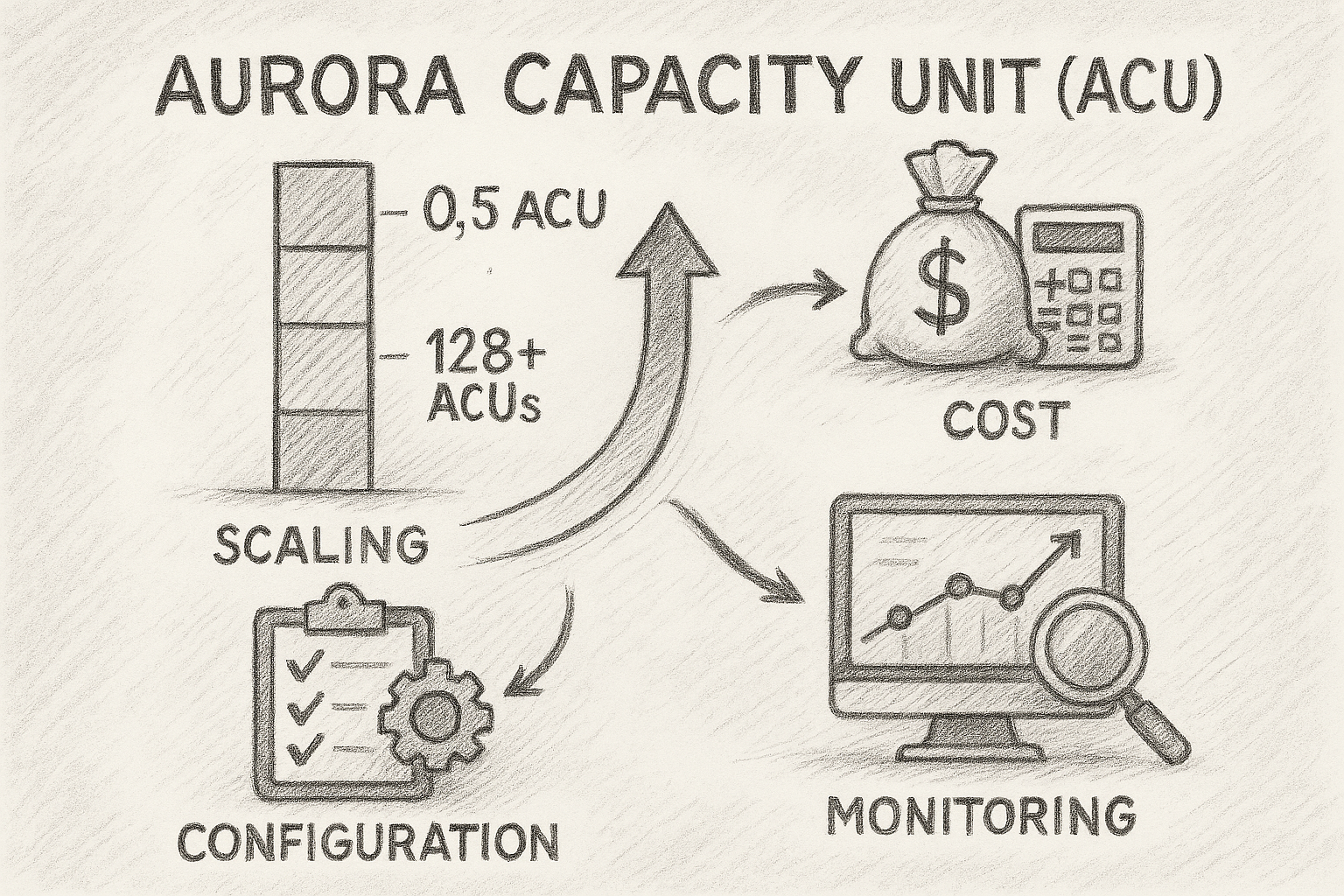
Aurora Capacity Units (ACUs) are the unit of measurement used by Aurora Serverless v2 to determine the computational capacity of a cluster. Each ACU represents a combination of CPU, memory, and network resources.
An Aurora Serverless cluster can dynamically scale between a minimum and maximum of ACUs, depending on the load. For example:
- Minimum scalability: 0.5 ACU
- Default maximum scalability: approximately 128 ACUs
- On-demand scalability: can reach even higher in critical workloads
This flexibility is powerful—but without a well-configured limit, it can result in unexpected costs.
3. Why is Maximum ACU Capacity Important?
3.1 Cost Control
When a cluster doesn’t have an upper limit configured, it can scale to high values during demand peaks. This can lead to abrupt increases in monthly costs.
By setting a maximum ACU, you control the possible spending ceiling related to database capacity.
3.2 Avoid Excessive Scalability
Some workloads, such as poorly optimized queries or batch processes, can cause sudden spikes that don’t necessarily reflect the real need for capacity.
3.3 Capacity Planning
Setting a ceiling allows the team to plan:
- Monthly budget
- Performance analysis processes
- Sizing of production and staging environments
4. Cost Calculation Based on ACU
Aurora Serverless v2 charges per ACU-hour, just as other serverless services charge for usage. The general formula is:
Cost = Average_ACU_used_per_hour × Price_per_ACU × Hours_in_month
Simplified example:
- Price per ACU-hour: $0.12 (illustrative value)
- Average ACU: 10
- Hours in month: 720
Cost = 10 × 0.12 × 720 = $864/month
If the cluster reaches 40 ACUs during peak and remains so for several hours, costs can increase rapidly.
Therefore, limiting capacity helps avoid unwanted variations.
5. How to Set Maximum ACU to Optimize Costs
5.1 Evaluate Load Patterns
Before setting limits, analyze:
- average CPU usage
- number of connections
- query latency
- predictable peaks (business hours, nighttime processing load, etc.)
5.2 Establish Limits by Environment
An example of best practices:
| Environment | Minimum ACU | Maximum ACU |
|---|---|---|
| Development | 0.5 | 2 |
| Staging | 1 | 4 |
| Production | 2 | 16 (adjustable) |
5.3 Monitor Metrics in CloudWatch
Monitor especially:
- ServerlessDatabaseCapacity (current ACUs)
- CPUUtilization
- DatabaseConnections
- ServerlessScalingRequestsThrottled
These metrics help understand if the limit is adequate.
5.4 Create Alarms
Create alarms for:
- Scaling to maximum ACU
- Average ACU above expected
- Estimated cost above budget
6. Risks of Not Limiting Maximum ACU
6.1 Unexpectedly High Costs
Even light workloads can generate unusual spikes, resulting in automatic scaling above necessary.
6.2 Bottlenecks or Timeouts Masked by Scalability
Query problems can be “hidden” by automatic scalability—but will continue to be expensive.
6.3 Lack of Predictability
Environments without limits make budget planning and approval difficult.
7. Practical Example
Imagine a scenario where a nightly job executes heavy queries. If the maximum ACU is configured at 128, Aurora can quickly scale above 64 ACUs, generating unexpected costs.
By adjusting the maximum ACU to 16, you:
- limit spending
- force review of heavy queries
- keep the cluster stable
8. Recommended Configuration
Terraform used for Aurora Serverless allows configuring the parameters:
scaling_configuration = {
  min_capacity = 2
  max_capacity = 16
}
The general recommendation is to start with lower values and adjust according to workload observability.
9. Final Considerations
Aurora Serverless v2 represents a significant evolution in the use of cloud databases, enabling near-instant scalability and eliminating the need for manual instance management.
However, without proper maximum ACU configuration, costs can grow rapidly.
By setting limits, monitoring metrics, and adjusting according to usage, it’s possible to achieve:
- predictability
- cost control
- balanced performance
- safe scalability
This process should be part of the continuous cycle of observability and platform optimization.
🔧 Want to Optimize Costs in Your Aurora Serverless Environment Without Compromising Performance?
Correctly adjusting ACU capacity and implementing a solid observability strategy can drastically reduce your expenses and increase the efficiency of your cloud environment. If you want to evaluate your database, define capacity limits, create metrics, or structure a personalized optimization plan, our team can help.
Contact us and together we’ll identify real opportunities for cost reduction and improvement of your architecture.
10. References
- Official Amazon Aurora Serverless Documentation
- AWS Aurora Pricing Guide
- Best Practices for Scalability of Managed Databases (Aurora Serverless v2 Capacity and Configuration)
Written by the Sapiens IT team — engineers who build before they write.